How an OSRS Skill Race works
Running a skill race
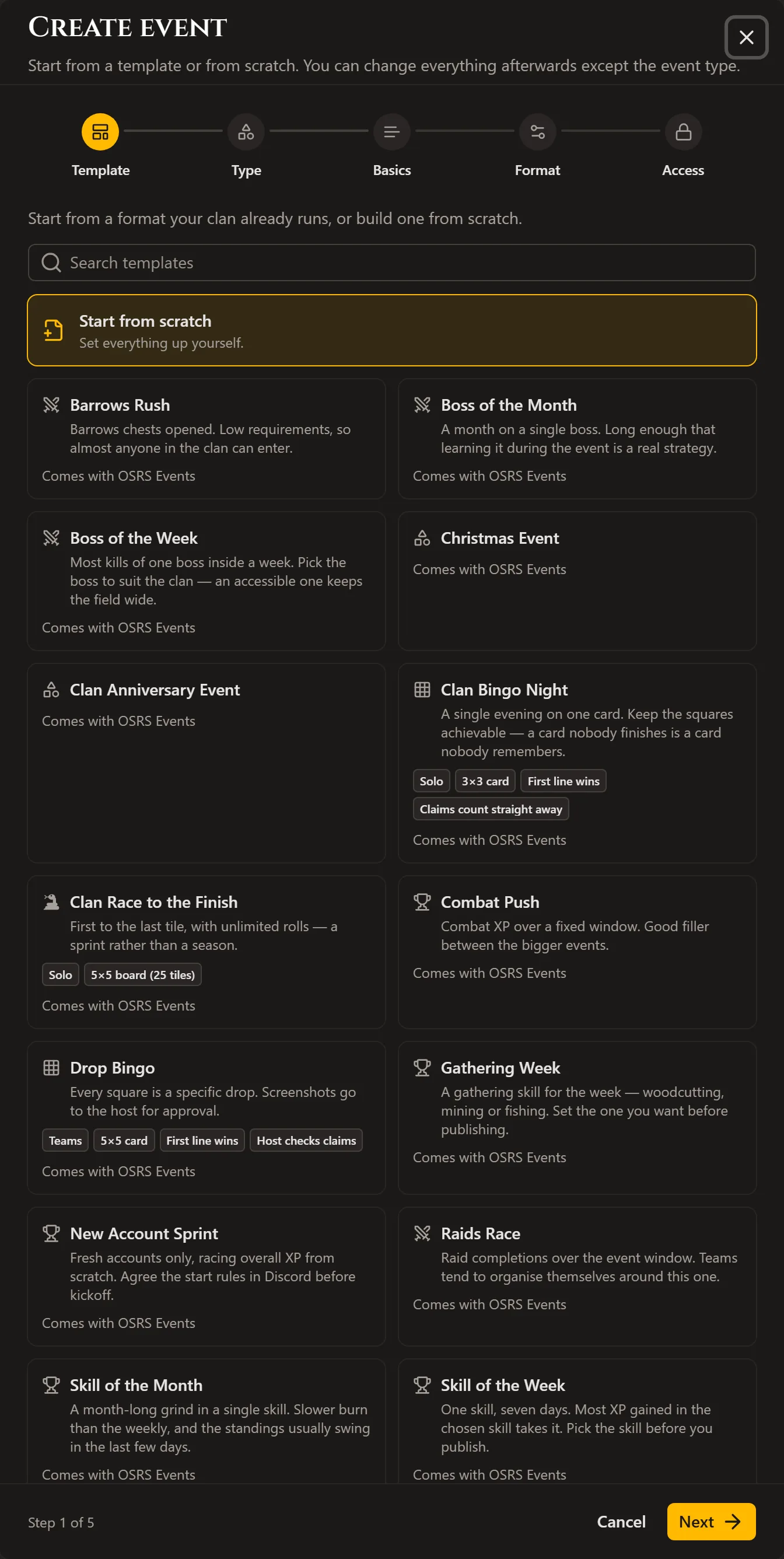
Set the metric and the window, then leave it to sync itself.
- Create a skill race — Pick which skill the event races on — any trainable skill, including Overall.
- Set the event window — Same start and end date as any event — the race locks in whatever each player has gained between the two.
- Open it up — Choose who can join like any event — open, Discord-locked, or invite only.
- Sync anytime — Progress updates automatically on a schedule, or trigger an immediate sync yourself to see a fresh readout before checking standings.
- Let it close — Standings freeze at the end date, so the final leaderboard is exactly what everyone earned inside the window.
Joining a skill race
One thing to set up first, then it tracks itself.
- Link your OSRS username — Add your username in account settings first — the race can't start you without one to look up.
- Enter the race — Your XP in that skill the moment you enter becomes your starting line, so it's your gain that counts, not your total.
- Play as normal — No screenshots, no manual logging — Wise Old Man syncs your gains in the background.
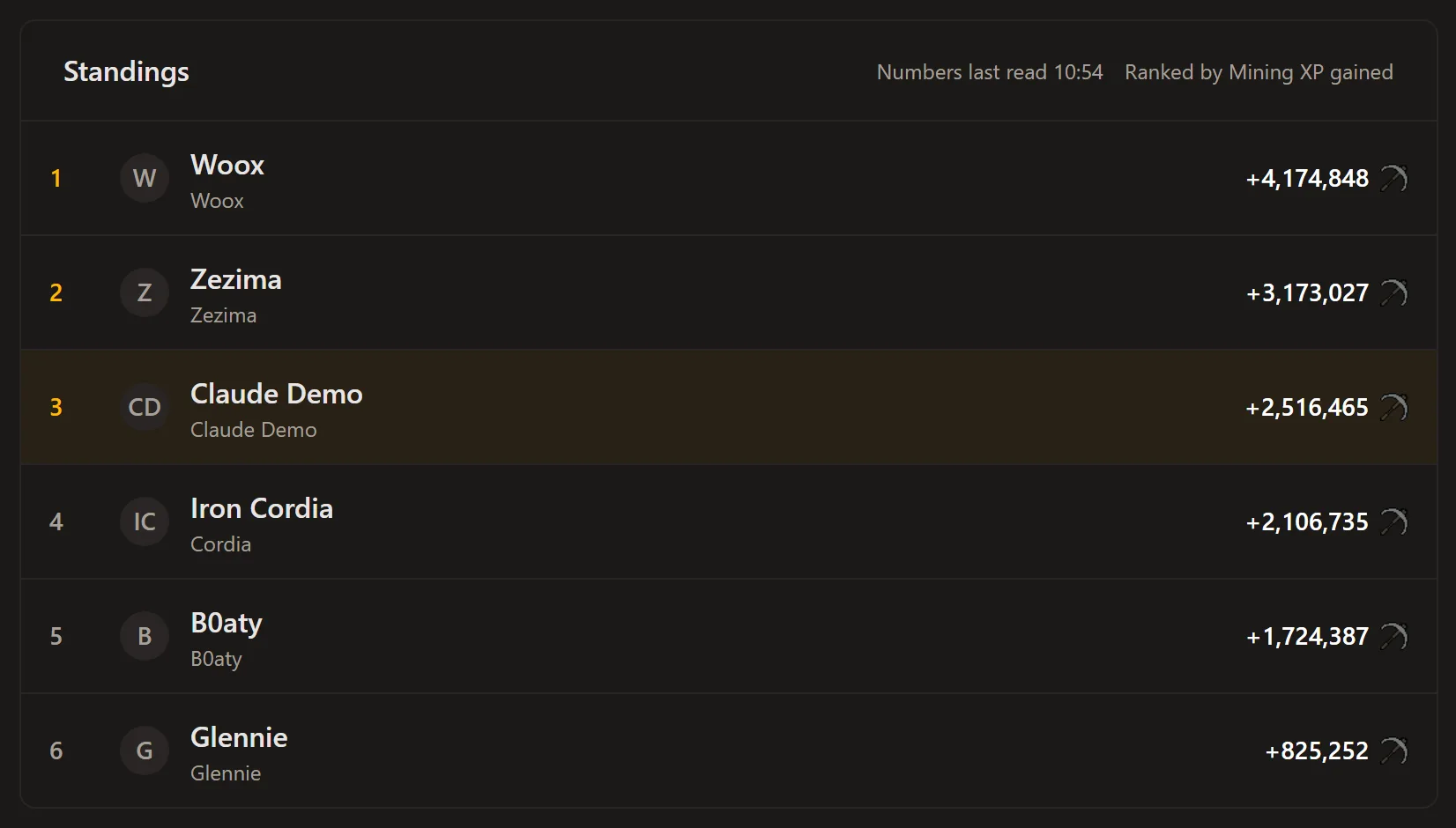
- Watch the leaderboard — Standings update live as syncs come in, so you can see where you stand without asking in Discord.
Why race on gains, not totals
A skill race starts everyone from their own current XP rather than zero, so it measures who gained the most rather than who already had the most. A level 60 and a level 99 in the chosen skill compete on equal terms — the only thing that matters from the moment you enter is how much you train before the event ends.
How progress is tracked
No spreadsheets, no manual reporting.
- Synced automatically — A scheduled job pulls fresh Wise Old Man data for every entrant, so nobody has to report their own progress.
- Sync on demand — A host can trigger an immediate sync to get a current readout before announcing standings.
- Locked to your username — Progress ties to the OSRS username on your account, so it can't be mixed up with anyone else's.
Frequently asked questions
Do I need to link my OSRS username?
Yes — the race looks up your XP through Wise Old Man, and it can't do that without a username on your account.
Do I have to report my own progress?
No. Progress syncs automatically from Wise Old Man on a schedule, and a host can trigger an extra sync at any time.
What if I already trained the skill before the race started?
It doesn't count against you — your XP at the moment you enter becomes your starting line, so only what you gain during the event scores.
Can I leave a race partway through?
Yes, but not if it would discard progress you've already made — settle your standing first the same way you would for any event.